Upload EBRAINS datasets
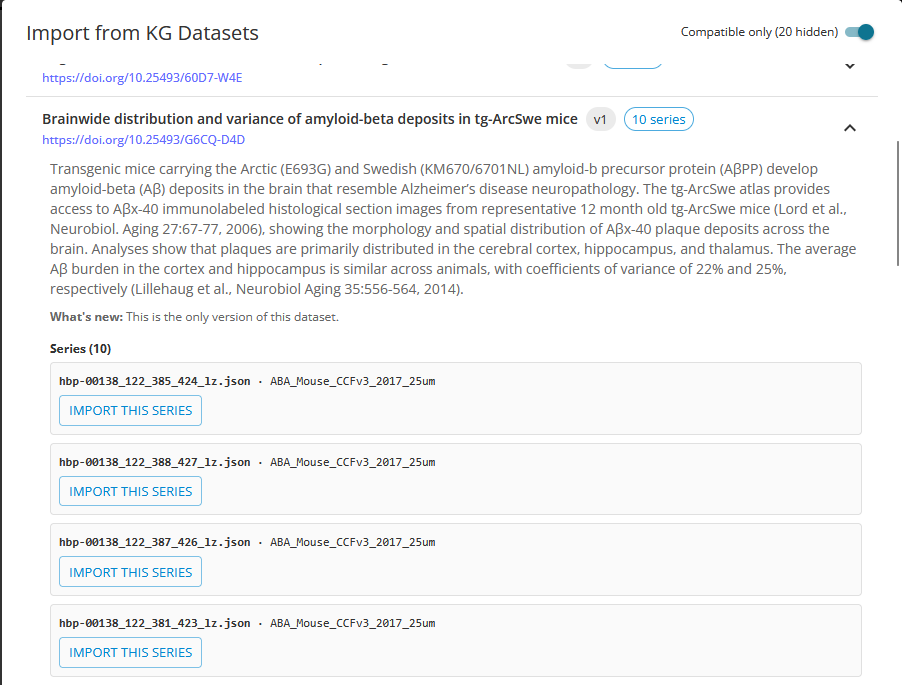
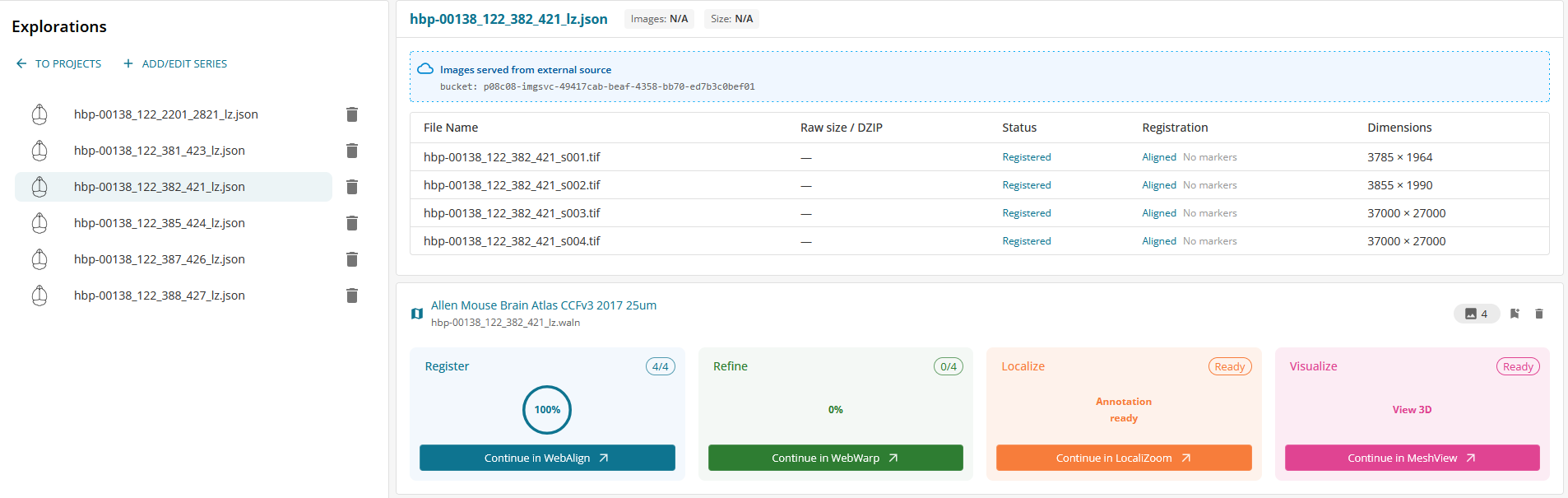
In order to work with a published EBRAINS dataset, press +ADD/EDIT SERIES, then IMPORT FROM KG DATASETS. A new window will open with the list of available EBRAINS datasets. Select one dataset, select the animal series and “SUBMIT”. The series will be added to your project.
The atlas registration will be available in the WebAlign and WebWarp tabs when available. You can modify or add new registrations.